


 Log masuk atau Daftar


 Terma & Syarat
 © Hak Cipta PETRONAS Dagangan Berhad 198201008499 (88222-D).
Hak Cipta Terpelihara.
-
ISI MINYAK dan RAIH mata ganjaran secara segera dengan ciri baharu kami. Hanya masukkan nombor telefon mudah alih anda untuk meraih dan menebus mata Mesra tanpa memerlukan kad fizikal!
Bagaimana cara untuk mengumpul mata ganjaran Mesra?
Ikuti langkah-langkah di bawah:
Di Pam (OPT)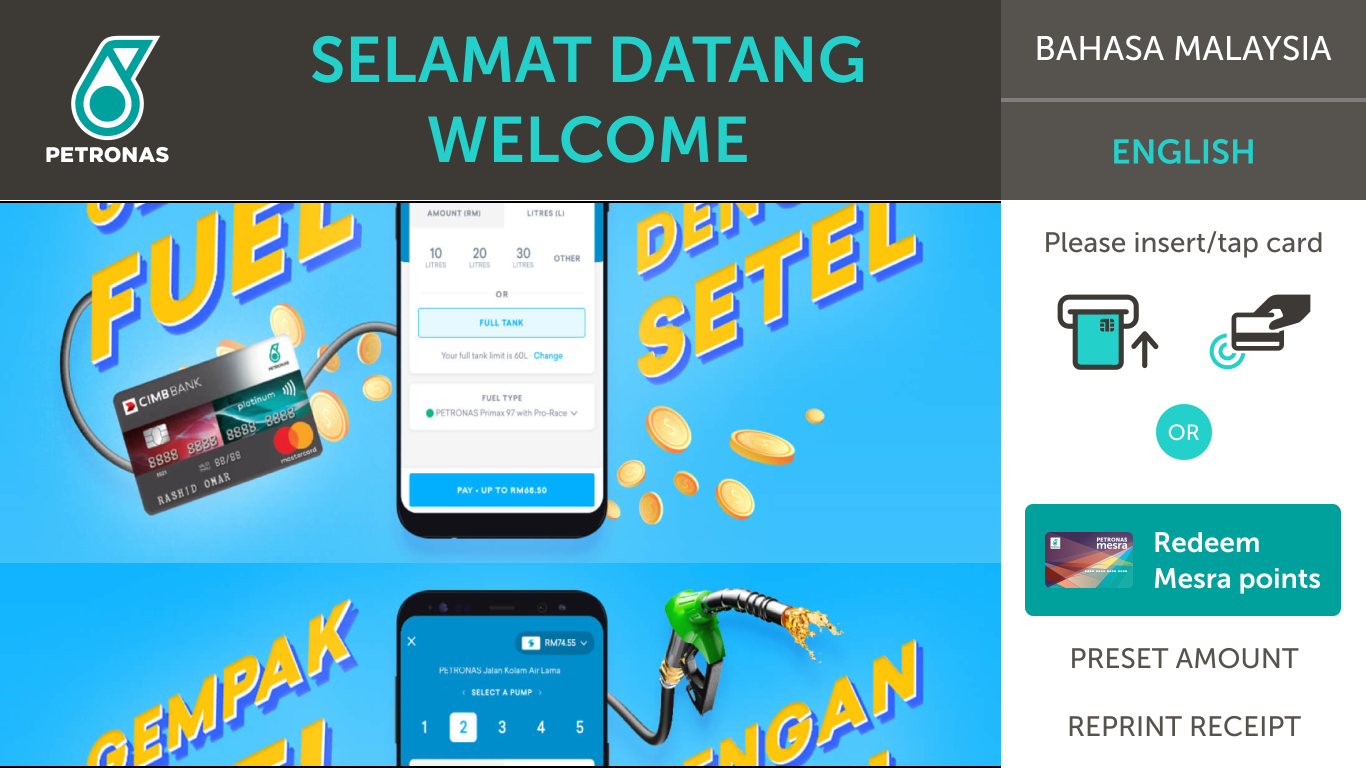 Langkah 1 Pilih kaedah pembayaran anda.
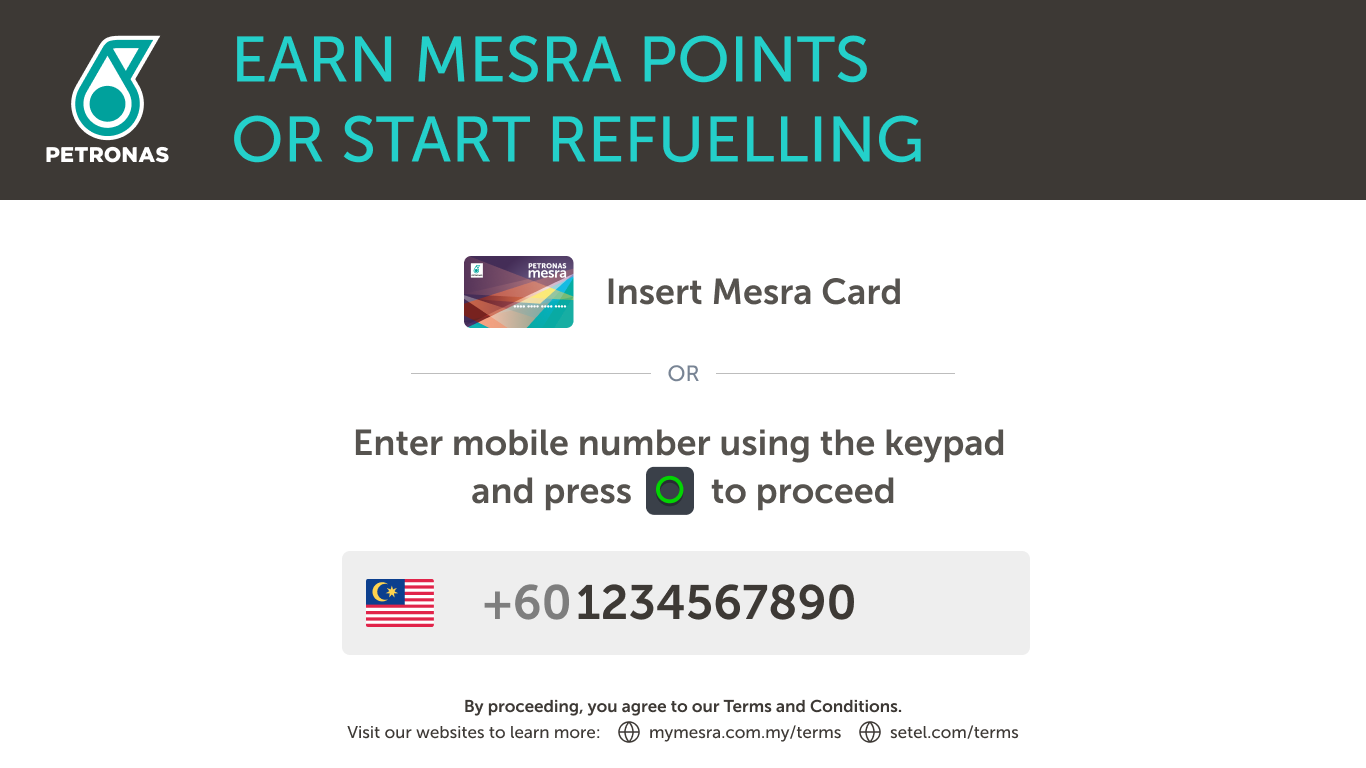 Langkah 2 Masukkan nombor telefon bimbit anda.
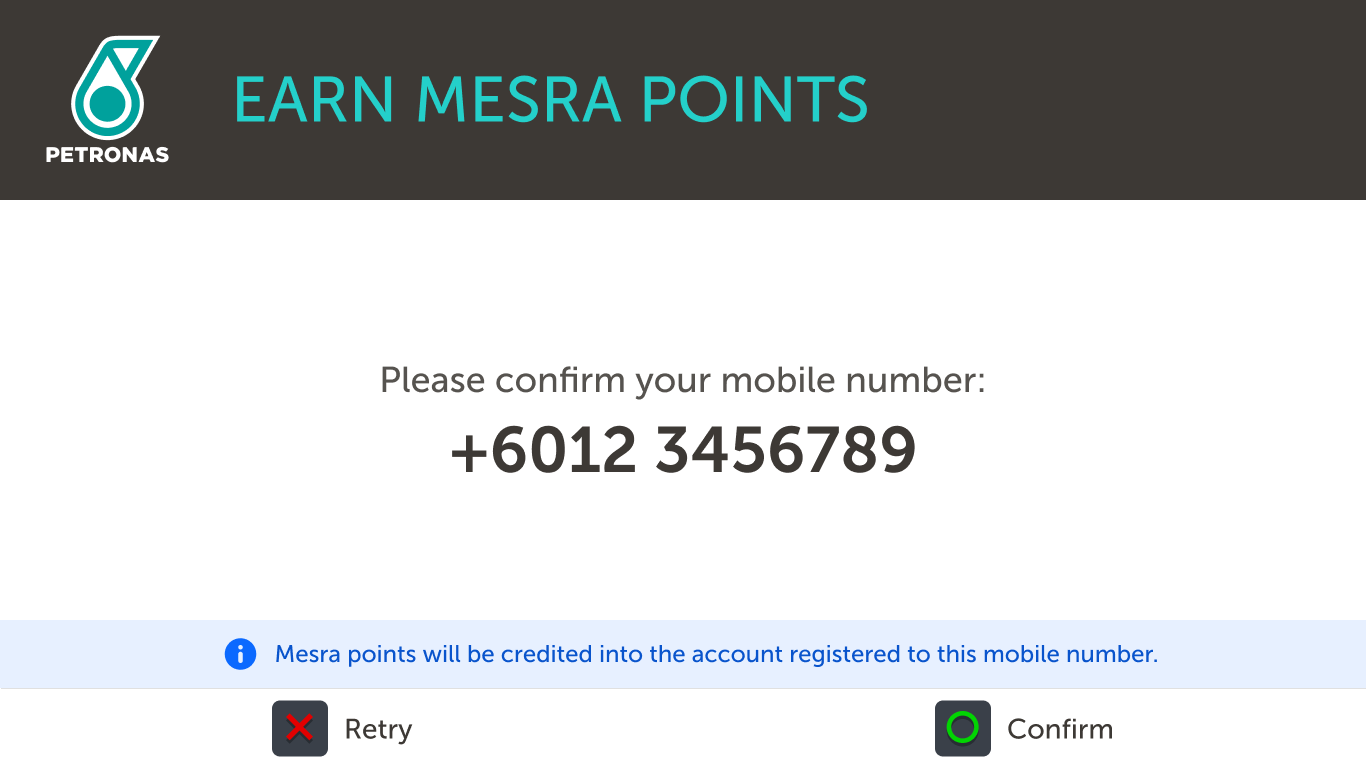 Langkah 3 Sahkan nombor telefon bimbit anda.
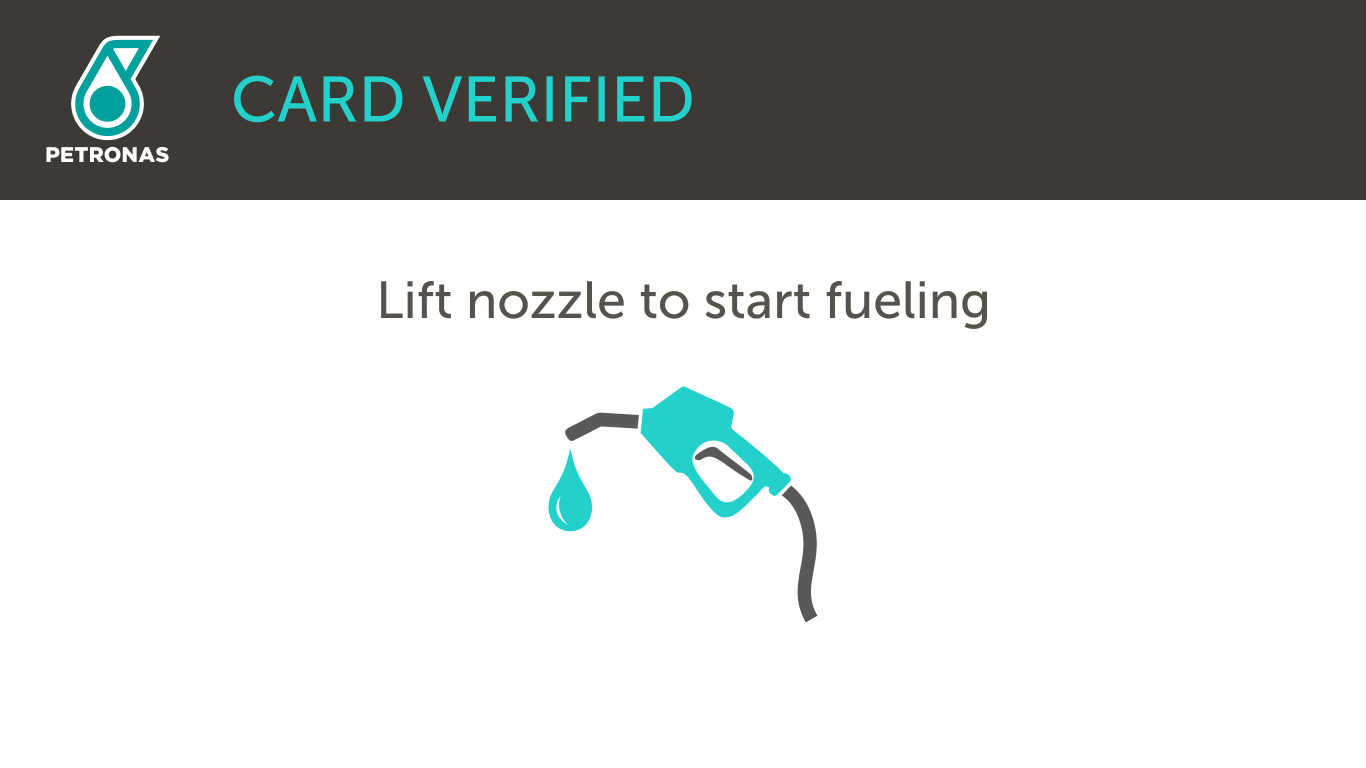 Langkah 4 Angkat nozel untuk mula mengisi minyak.
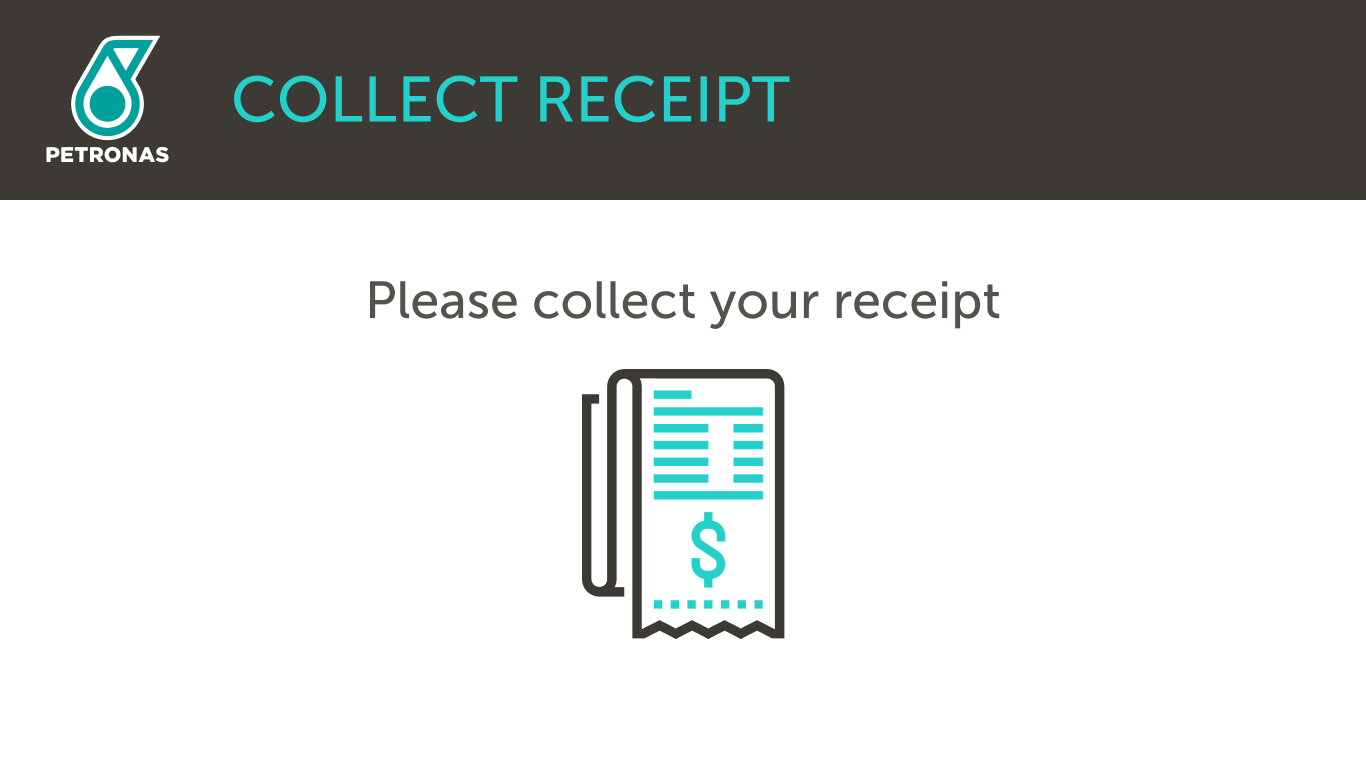 Langkah 5 Mata ganjaran Mesra dikreditkan ke akaun anda.Di Dalam Kedai (CDS)
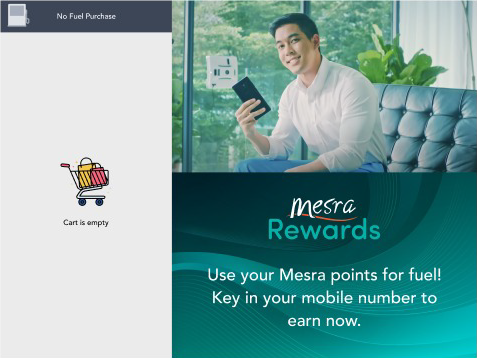 Langkah 1 Bayar di kaunter selepas pemeriksaan barangan anda.
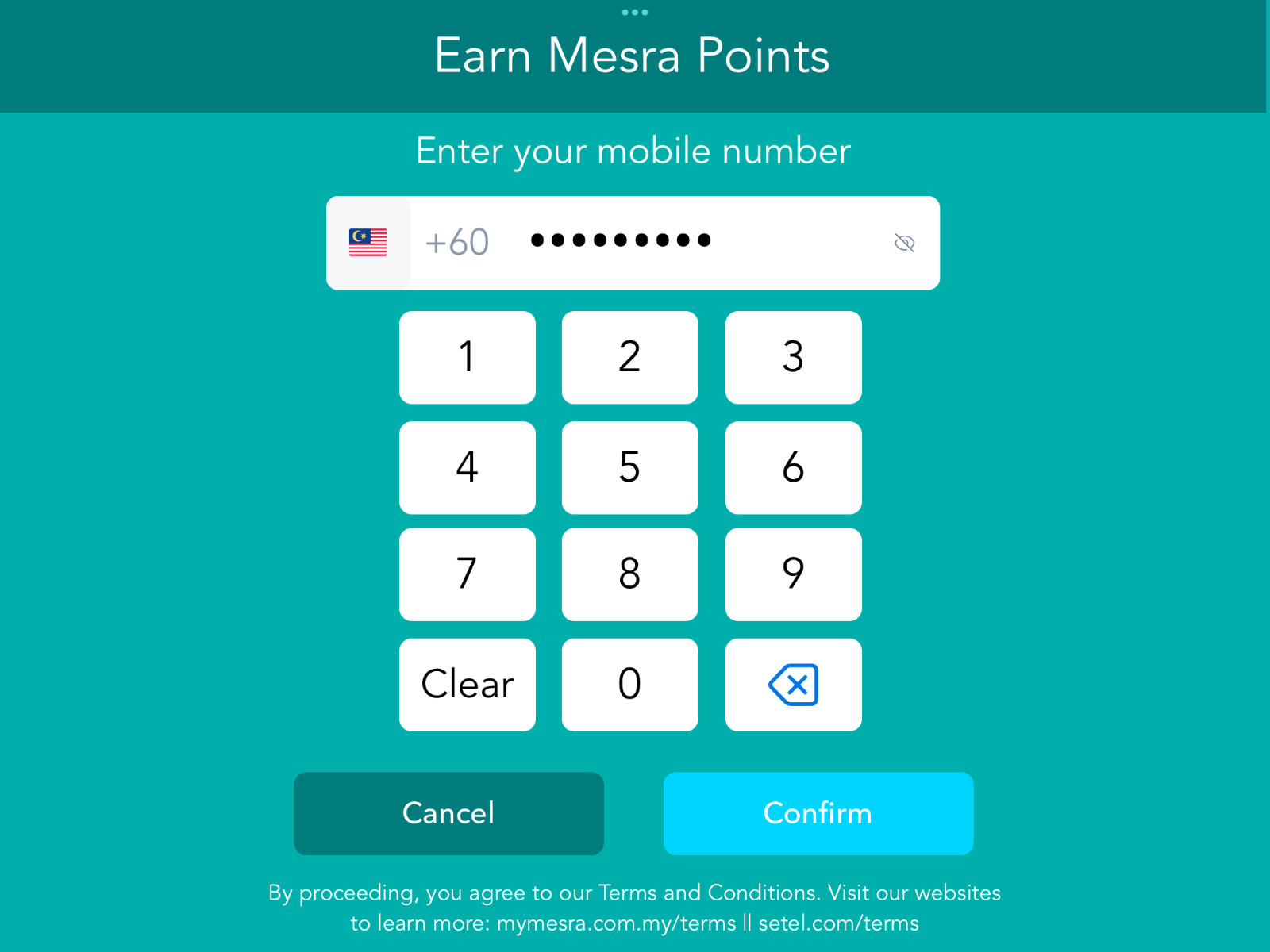 Langkah 2 Masukkan nombor telefon bimbit anda.
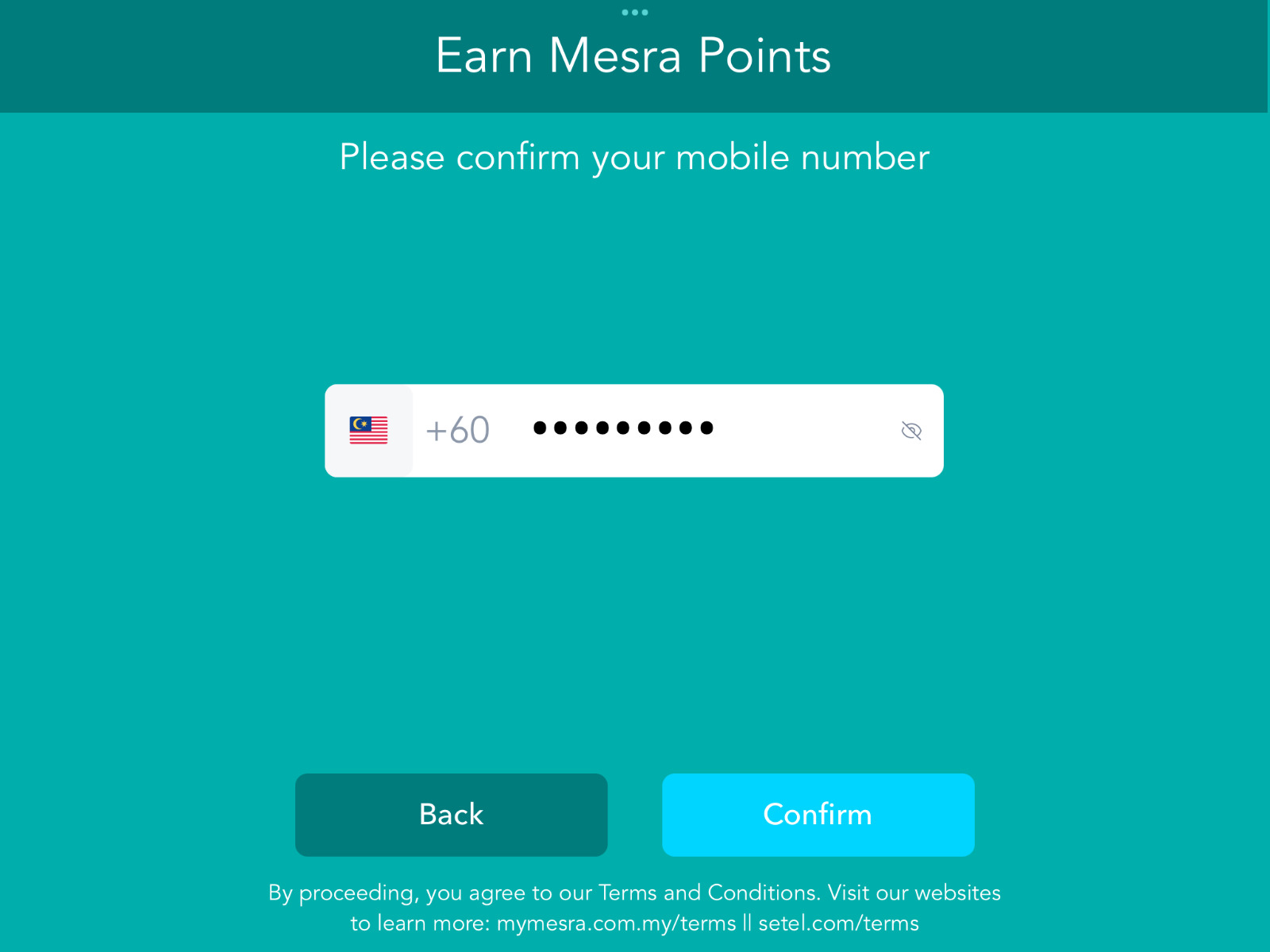 Langkah 3 Sahkan nombor telefon bimbit anda.
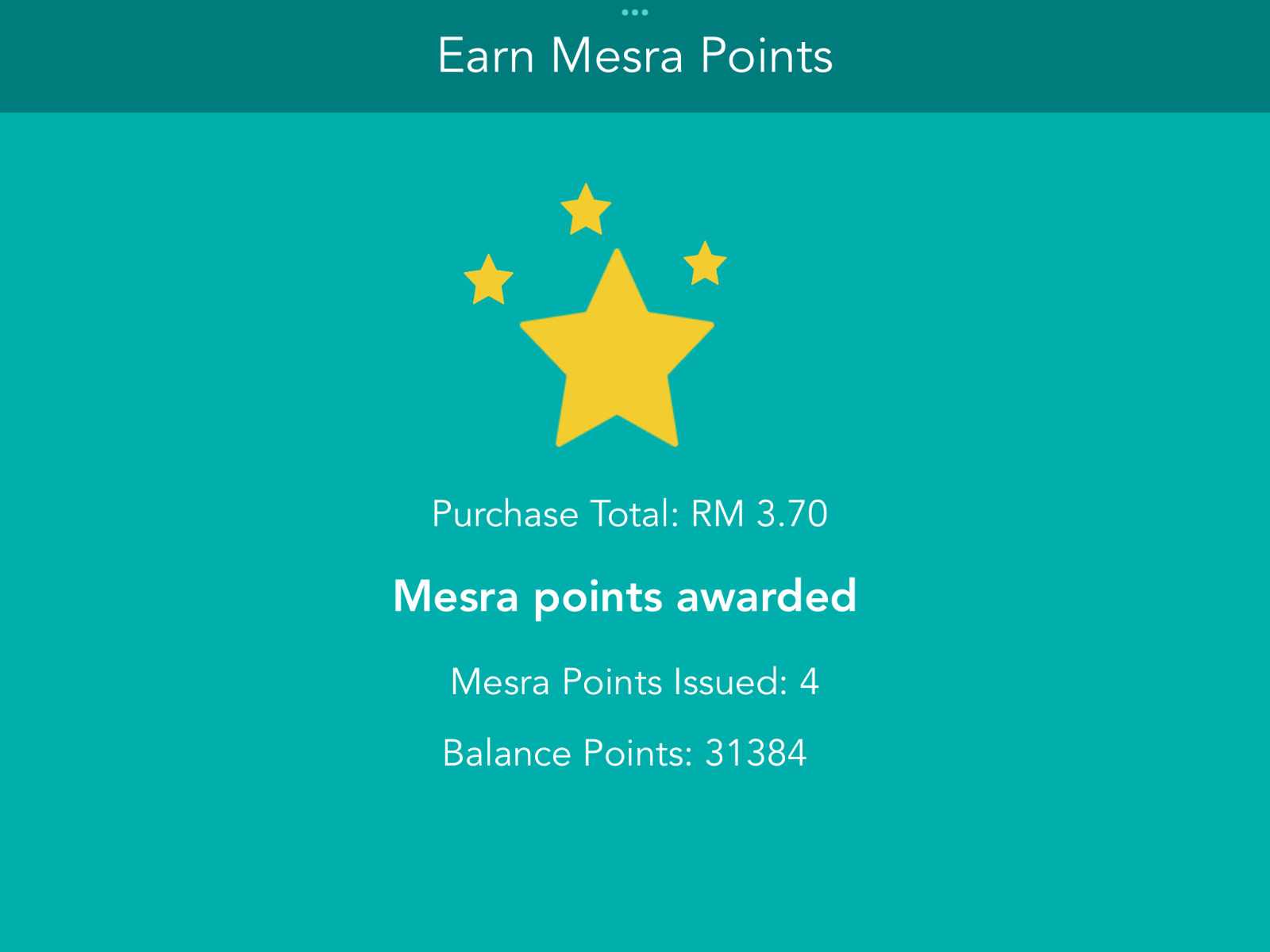 Langkah 4 Mata ganjaran Mesra dikreditkan ke akaun anda.Di Dalam Kedai (Imbas Kod Bar Setel)
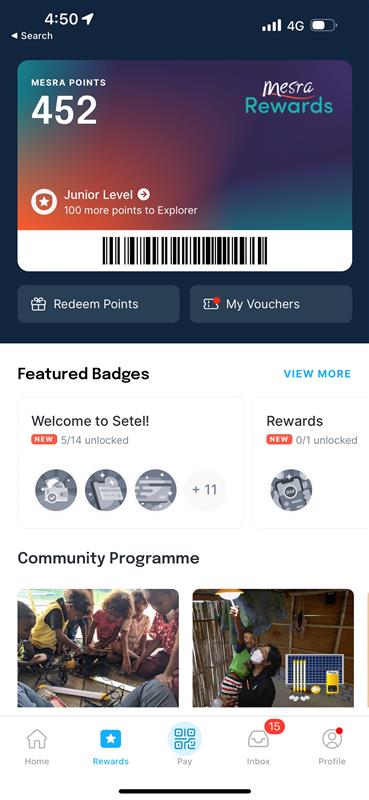 Tunjukkan kod bar anda daripada aplikasi Setel.
Penebusan Mata Ganjaran
Ikuti langkah-langkah di bawah:
Di Pam / At Pump (OPT)Langkah 1 Pilih "Redeem Mesra points" (Tebus mata Mesra).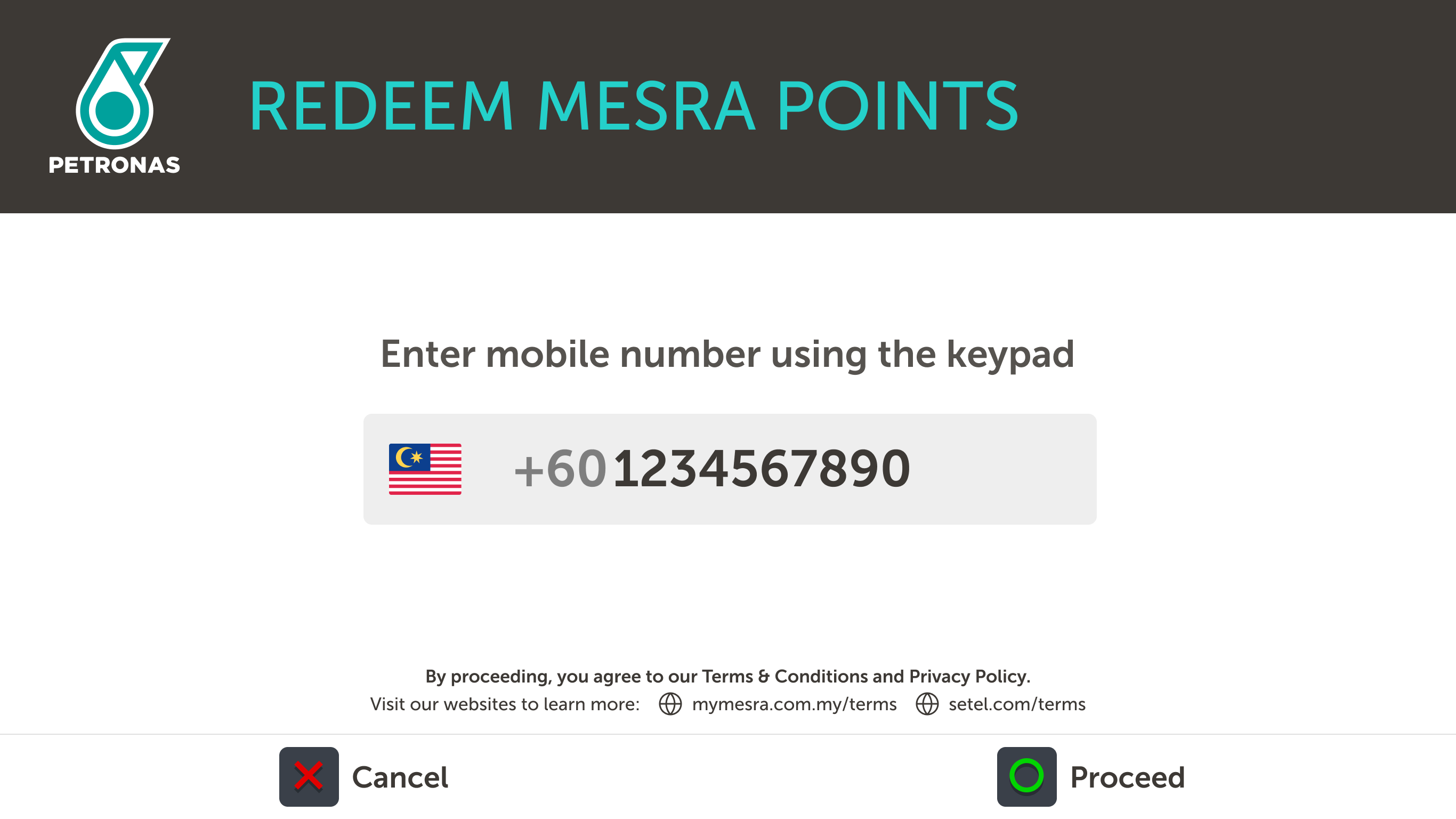 Langkah 2 Masukkan nombor telefon bimbit anda.
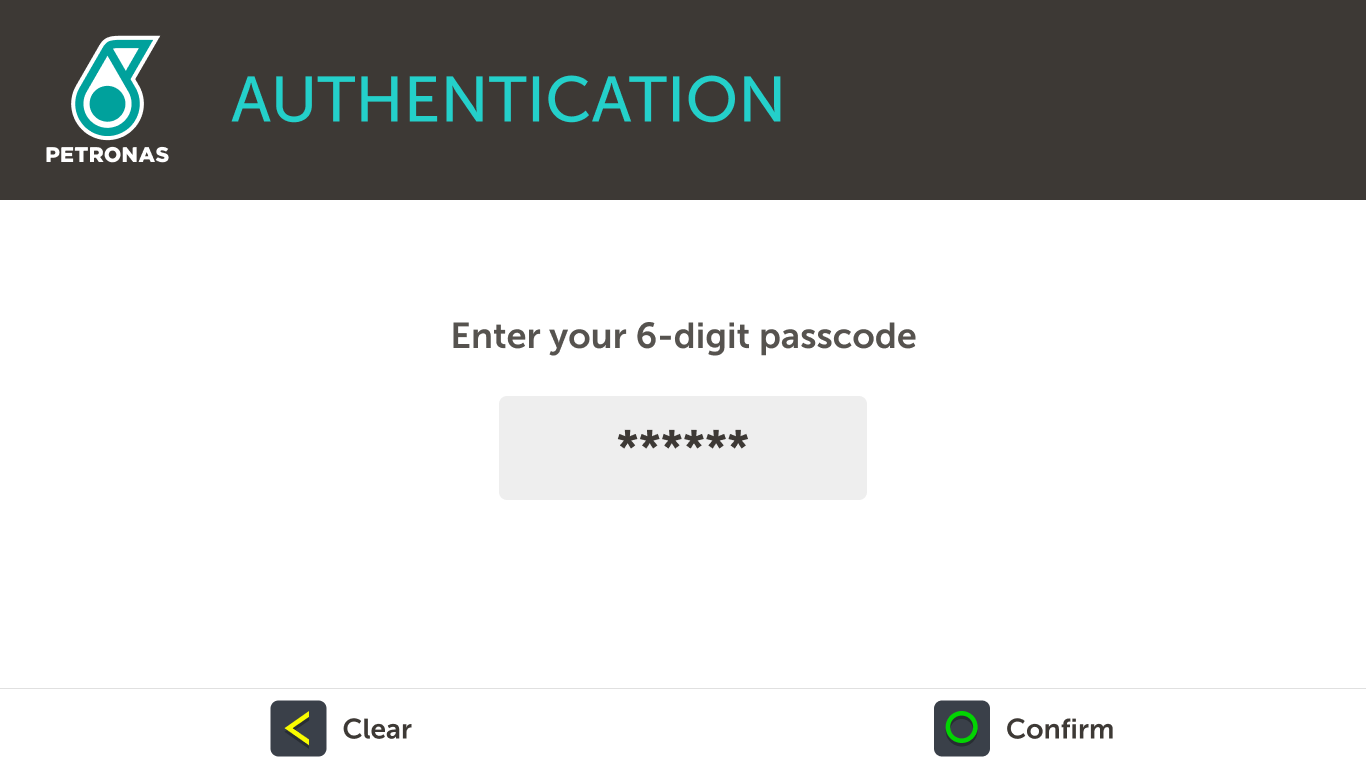 Langkah 3 Masukkan kod laluan 6-digit anda. Daftar akaun Mesra anda di www.setel.com/mesrarewardsregister.
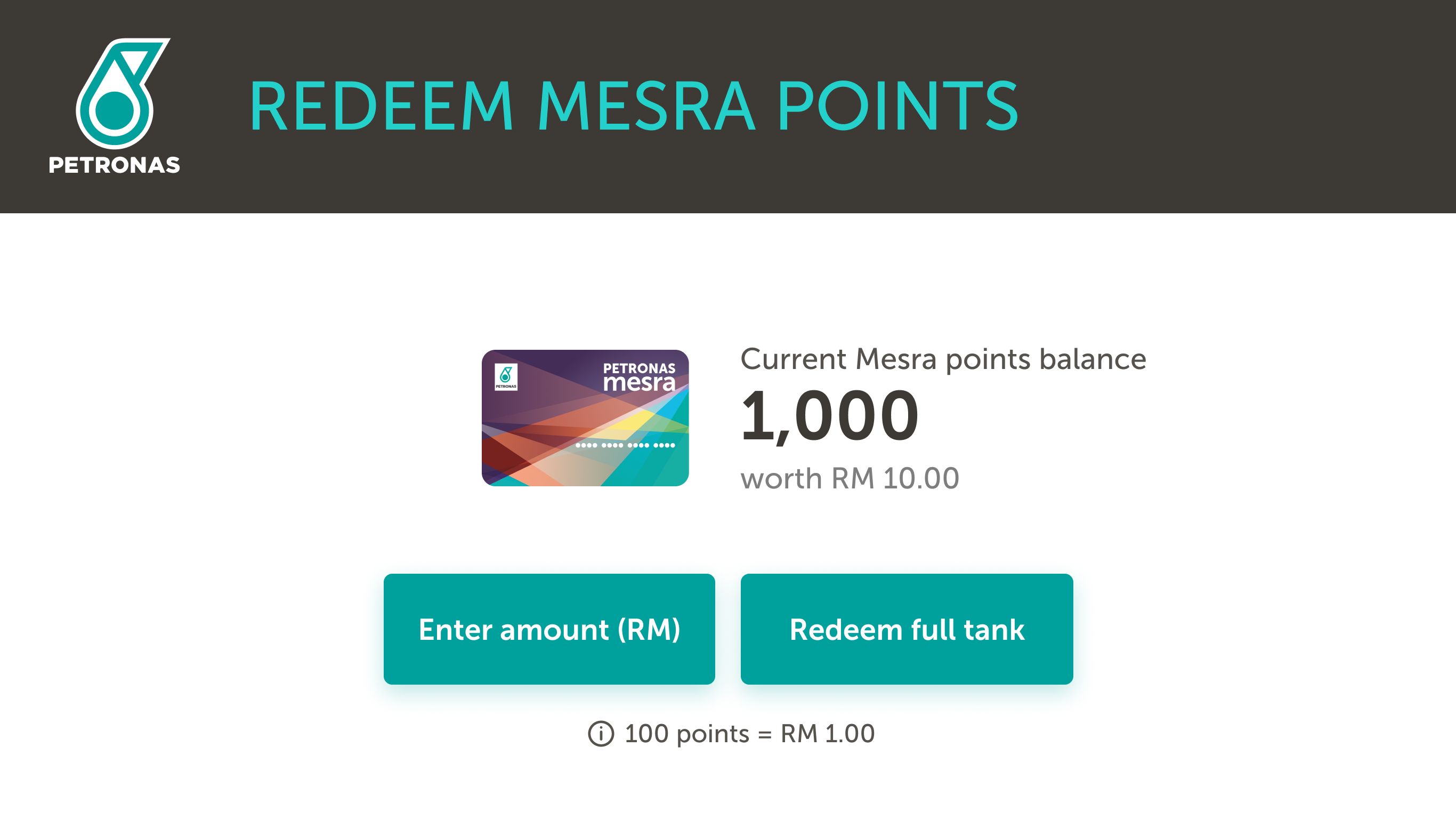 Langkah 4 Masukkan jumlah mata ganjaran yang ingin ditebus.
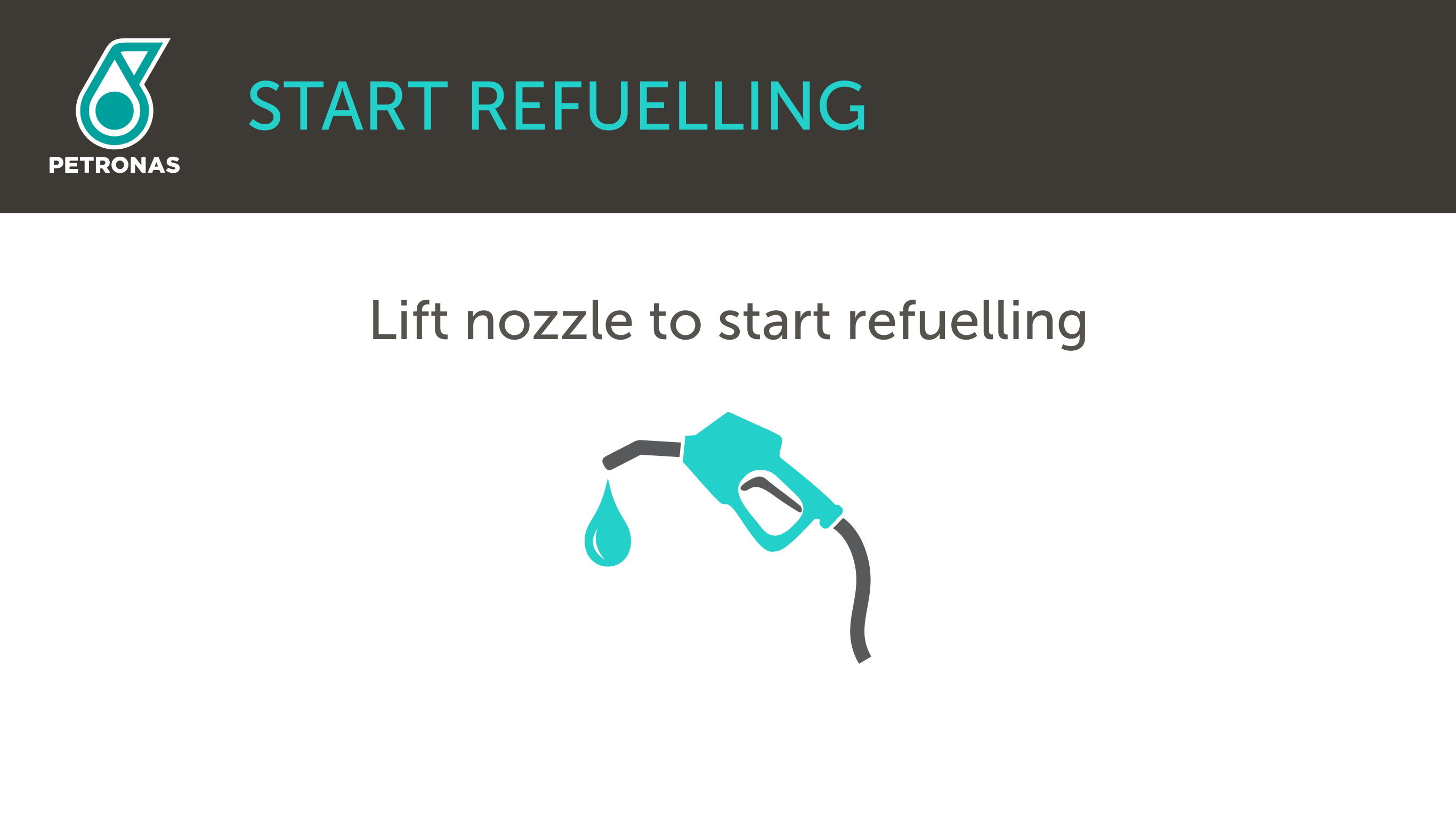 STEP 5 Angkat nozel untuk mula mengisi minyak.
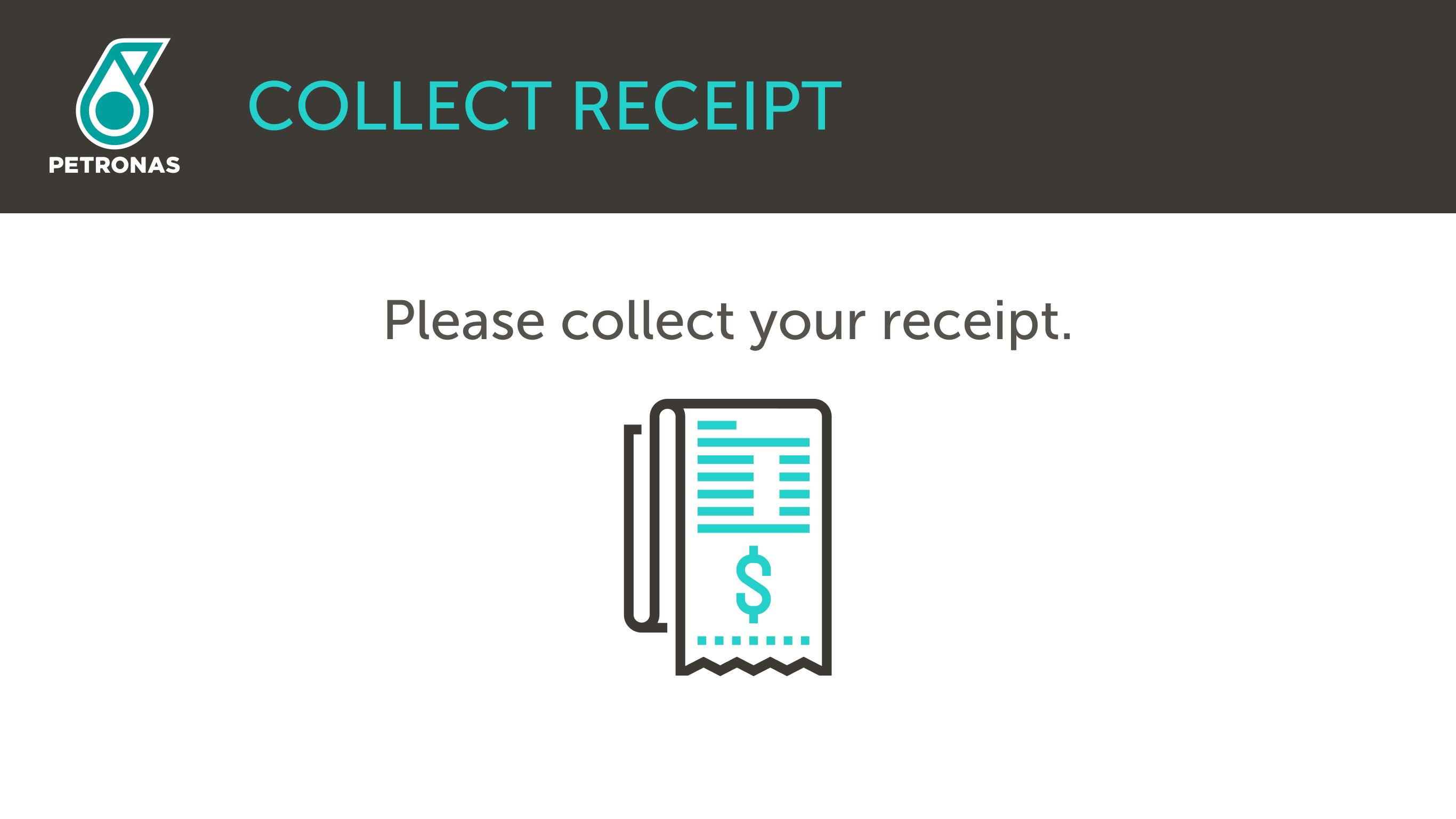 STEP 6 Mata ganjaran Mesra akan ditolak daripada akaun anda.Di Dalam Kedai (CDS)Langkah 1 Periksa barangan anda.
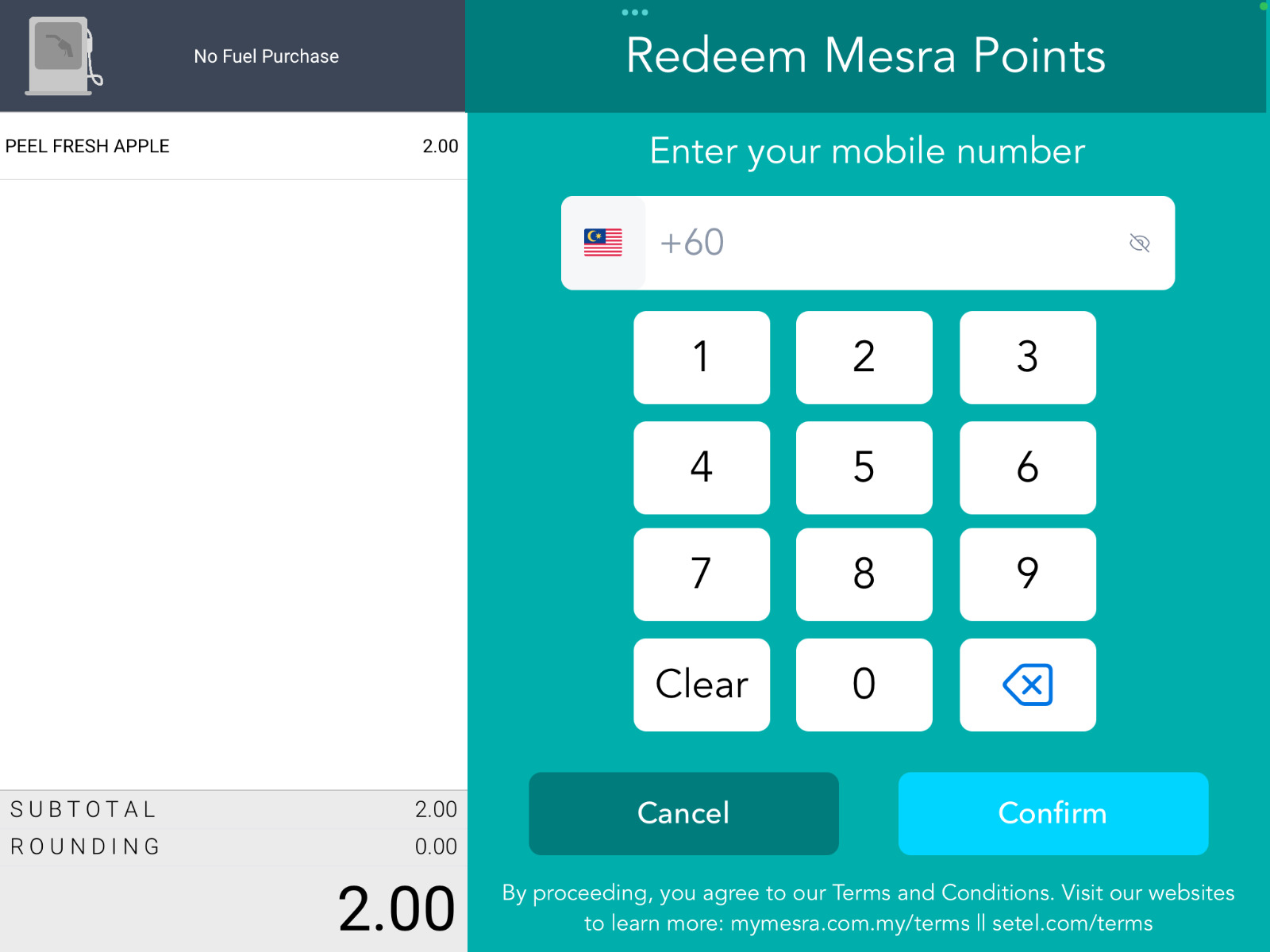 Langkah 2 Masukkan nombor telefon bimbit anda.
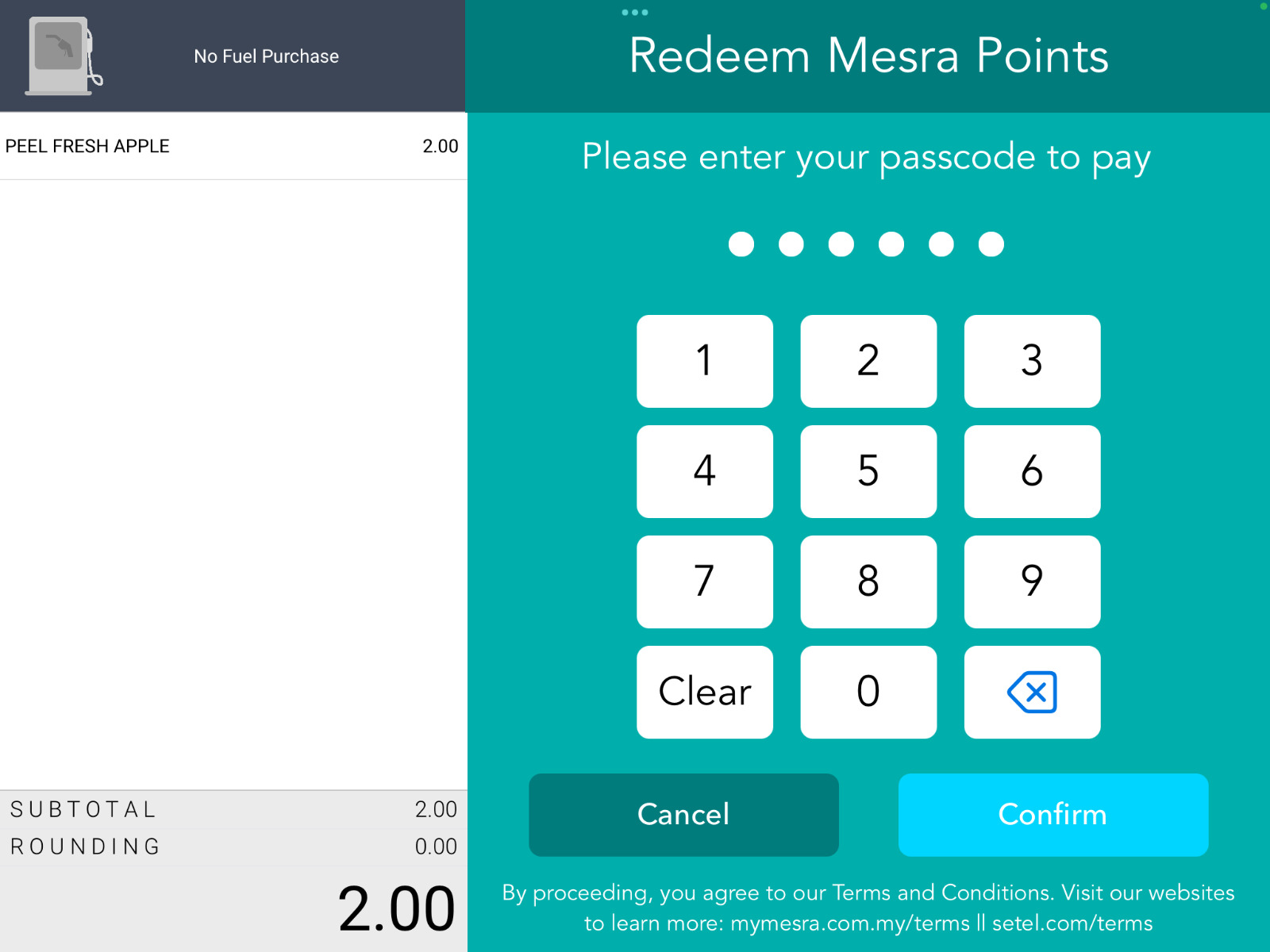 Langkah 3 Masukkan kod laluan 6-digit anda.
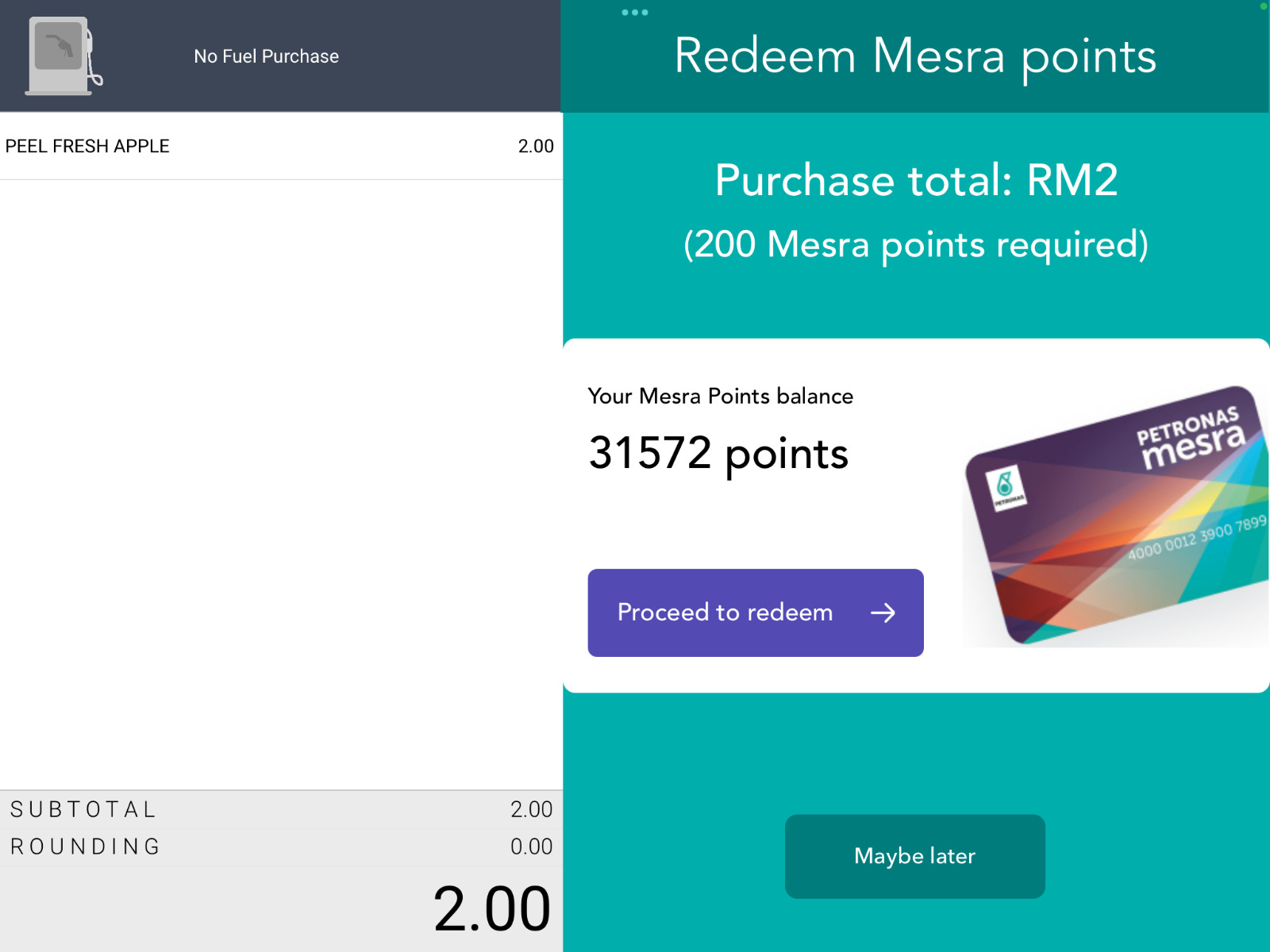 Langkah 4 Teruskan untuk menebus mata ganjaran anda.
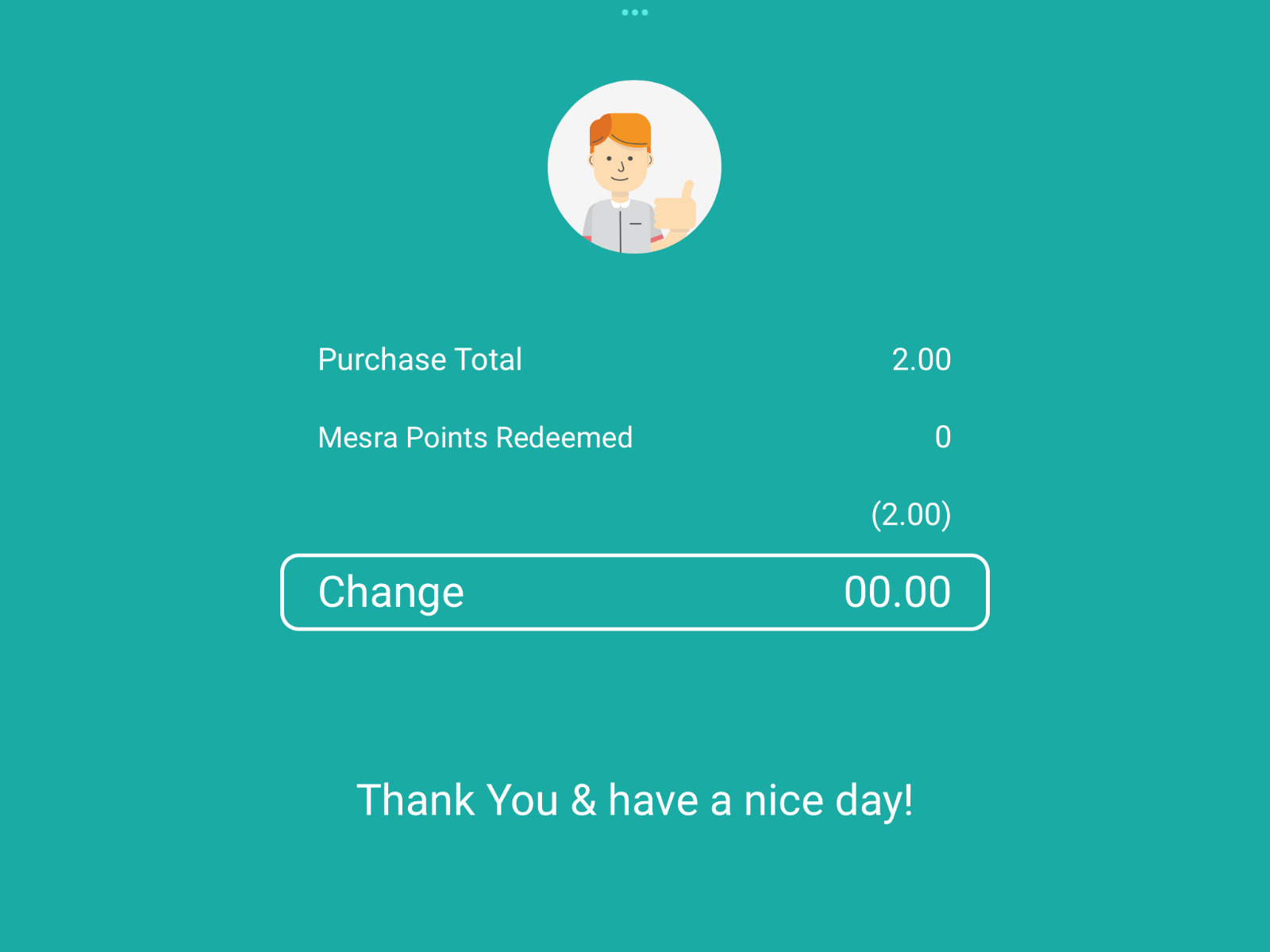 Langkah 5 Transaksi selesai.
Soalan Lazim
Anda boleh meraih dan menebus mata Mesra hanya dengan memasukkan nombor telefon mudah alih anda di skrin Terminal Pembayaran Luar (OPT) pada pam atau Skrin Paparan Pelanggan (CDS) di kaunter.
Anda boleh meraih mata Mesra bagi pembelian anda dengan memasukkan nombor telefon mudah alih di skrin OPT atau CDS.
Anda boleh menebus mata Mesra bagi pembelian anda dengan memasukkan nombor telefon mudah alih dan kod laluan (passcode) 6-digit (daftar akaun Mesra anda di aplikasi Setel atau www.setel.com/mesrarewardsregister untuk mencipta kod laluan) di skrin OPT atau CDS.
Untuk pelanggan baharu: Anda boleh mendaftar akaun Mesra dan mencipta kod laluan 6-digit anda di aplikasi Setel atau www.setel.com/mesrarewardsregister.
Untuk pelanggan Kad Mesra fizikal sedia ada: Anda boleh menghubungkan Kad Mesra anda dan mencipta kod laluan 6-digit di aplikasi Setel atau www.setel.com/mesrarewardsregister.
Untuk pelanggan Setel sedia ada: Jika anda telah mengaktifkan akaun Mesra di aplikasi Setel, anda boleh menggunakan kod laluan 6-digit yang telah dicipta di aplikasi tersebut.
Anda boleh menyemak sejarah transaksi dan mata ganjaran di aplikasi Setel atau di www.setel.com/mesrarewardsregister